Your MacBook is closed.
Face ID still works.
Docked in clamshell, Touch ID is out of reach and every password prompt means typing it again. DockAuth sends the prompt to your iPhone. Tap, glance, done.
Free to download. macOS 15 or later and an iPhone with Face ID.
What changes on day one
-
You stop typing your password all day
Saved passwords, admin prompts and sudo go to the phone already on your desk. Your Mac password can stay long and random because you never type it.
-
The lid stays shut
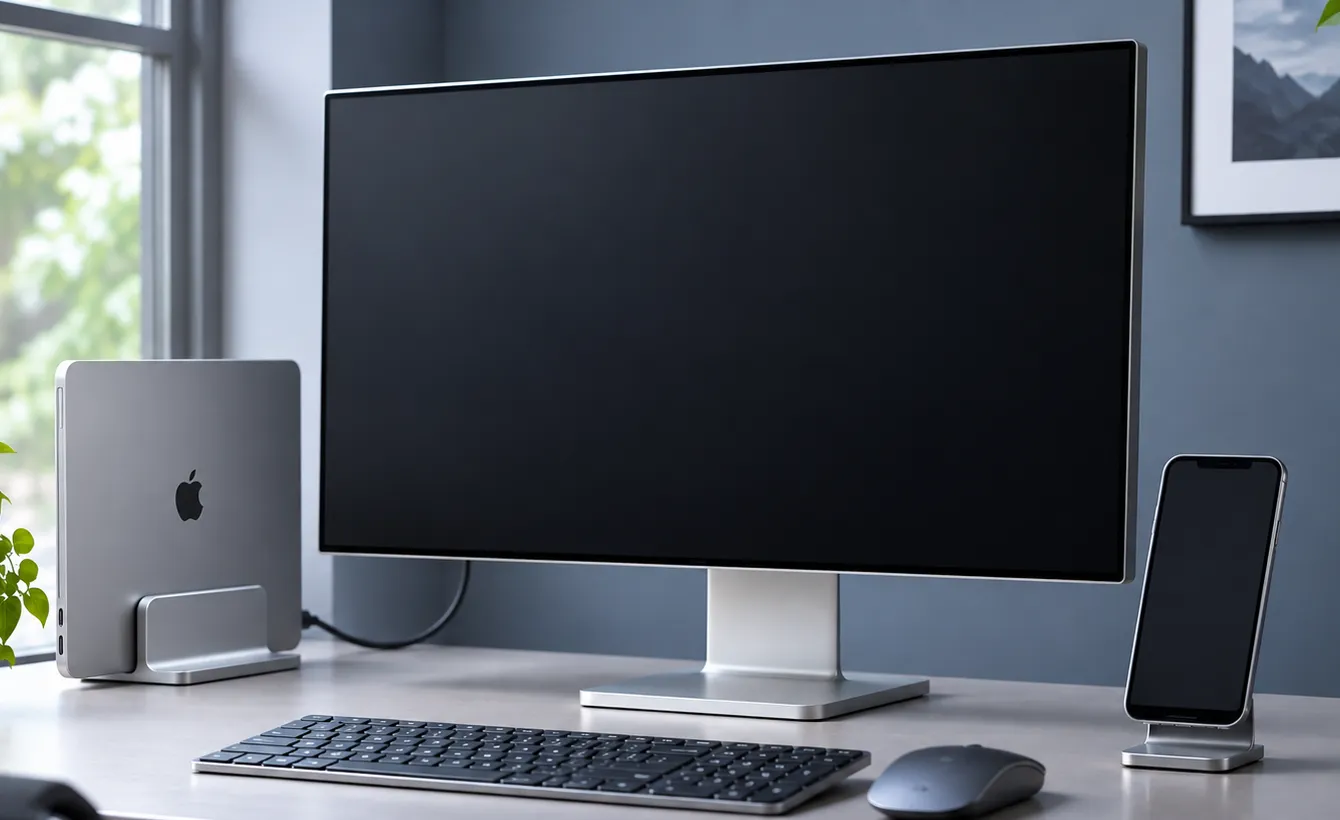
No more cracking the laptop open to reach the Touch ID key. Clamshell mode finally means clamshell mode.
-
Nobody watches you type it
In an open office or mid screen share there is nothing to shoulder surf. A Face ID glance gives nothing away.
How it works
Your Mac spots a password prompt
Only prompts drawn by Apple's own system processes. It never reads other apps' windows.
Your iPhone shows the request
A notification opens a copy of the Mac's dialog, signed by your Mac and valid for 30 seconds.
You tap Approve with Face ID
Face ID unlocks your password inside the iPhone's Secure Enclave. Nothing starts without your tap.
Your Mac fills the prompt
Only if the phone is physically near the Mac over Bluetooth, and only the prompt you approved.
Give your monitor Face ID
Mount your iPhone on top of your display, facing you, and turn on Desk mode. Your desk now works like a Mac with Face ID built in: a password prompt appears, you are already looking at it, and it is gone.
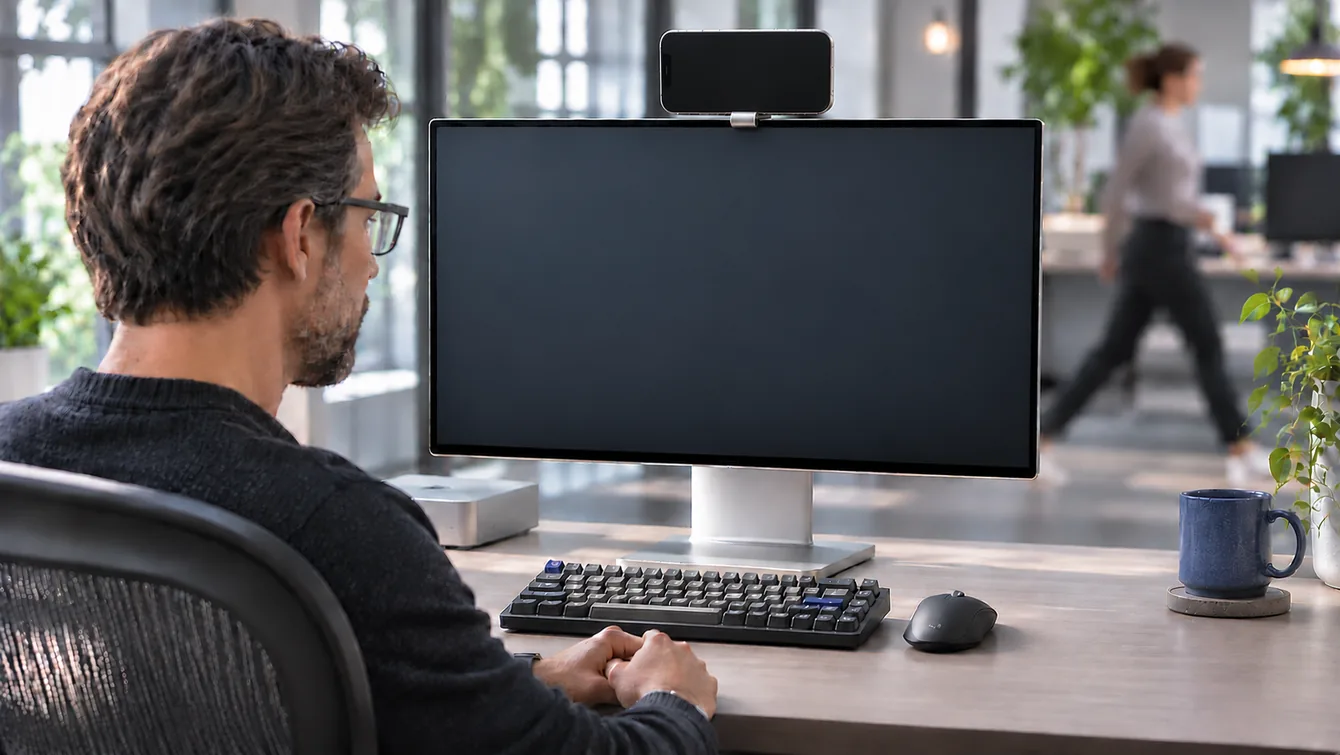
- Works on any mount or stand that holds the phone still with its screen toward you, on a charger.
- Face ID still checks that you are looking at it, so a phone that just sits there approves nothing.
- Pick the phone up, unplug it or leave the app and it goes back to tap to approve.
- Sideways on top of the display needs iPhone 13 or later, the first models with landscape Face ID. On iPhone XS through 12, stand it upright.
- Flip it around to use it as a Continuity Camera webcam and DockAuth steps aside for the call, since Face ID is facing the wall.
Mounts for your display
Webcam mounts are for Continuity Camera. They point the iPhone's back camera at you, so Face ID faces the wall. While it is your webcam, DockAuth leaves it alone and you type your password. Desk mode needs a mount that turns the screen toward you.
- Belkin iPhone Mount with MagSafe WebcamClips on
- Stouchi Continuity Camera Mount WebcamClips on
- CloudValley 360° Magnetic Mount Desk modeAdhesive
As an Amazon Associate we earn from qualifying purchases.
Every prompt it answers
- Pro
Safari password AutoFill
Every time Safari wants to fill a saved password.
- Pro
Password dialogs from apps
Chrome with iCloud Passwords, and other apps that ask macOS to confirm it is you.
- Pro
Admin prompts
"Wants to make changes" from installers, System Settings and privileged helpers.
- Pro
sudo in Terminal
Approve on the phone. The password never touches the terminal.
- Free
The lock screen
Wake the display, approve on the phone, you are in.
Not covered yet: Keychain Access prompts, the App Store and passkeys. Those still need your password.
Built so your password never sits anywhere it can be read
Your Mac password is sealed to a key in your iPhone's Secure Enclave. The Mac cannot open it on its own.
Each request is single use, expires in 30 seconds and only works for the Mac you paired.
The approval travels over your local network. Our relay only wakes your phone and never sees a password.
Your phone has to be within Bluetooth range of the Mac, so a stolen request is useless from across town.
sudo support never sees your password at all. It only accepts a Face ID approval.
Pricing
Pro
$12 a year, tax included
- Everything in Free
- Browser and app password prompts
- Admin prompts and
sudo - Desk mode
Sold and billed by Link. Cancel any time from your Link account.
Compatibility
- Mac
- Any Mac on macOS 15 Sequoia or later: MacBook Air 2020 and later, MacBook Pro 2018 and later, Mac mini 2018 and later, iMac 2019 and later, iMac Pro, Mac Studio, Mac Pro 2019 and later.
- iPhone
- iPhone XS, XR and later on iOS 18 or later. Needs Face ID, so not iPhone SE.
- Desk mode
- Landscape on iPhone 13 and later. Portrait on iPhone XS through 12.